


Getting older has its perks — and one of them is finally having a corner that's just yours. A fresh desk setup just went live, and now the post-work hours happen right here. It's one surface pulling double duty for both gaming and work, and while the desk and chair got their moment in an earlier post, let's talk about what actually lives on top of it.
One Desk, Two Lives


The frame is an Andaseat Cruise Max, topped with a Samsung Odyssey G95C — that deep curve monitor that basically swallows the whole desktop width. Rather than sitting on a stand, it floats on a monitor arm so the surface underneath doesn't get wasted. A slim light bar clips to the top edge, and a dark wood riser lives in the back row holding the little things: white controller, a control dial, a couple of boxes for pens and bits. Center stage is a white ROG keyboard and matching mouse, keeping things minimal and clean.
Walls Do Work Too


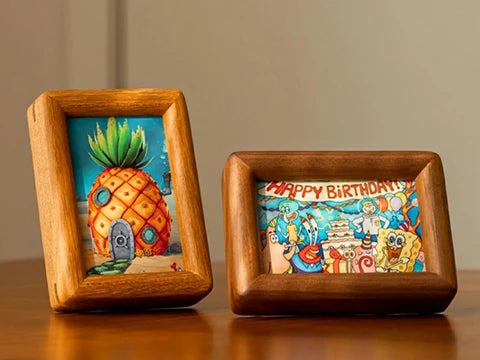
To the right of the screen, a pegboard holds two spare keyboards on hooks — keeping them visible but completely off the desk. Above that sits a black shelf with two framed prints (coffee pour-over art and a device teardown), a yellow arch piece, and a plant that trails down past the monitor edge. Behind the chair, there's a pinboard collecting postcards and photos, and a slim shelf by the window holds some pale blue artwork. The chair itself is an Andaseat Kirin Pro — comes with a head cushion, blue stitching, and a footrest that tucks right underneath.
It's the Little Things


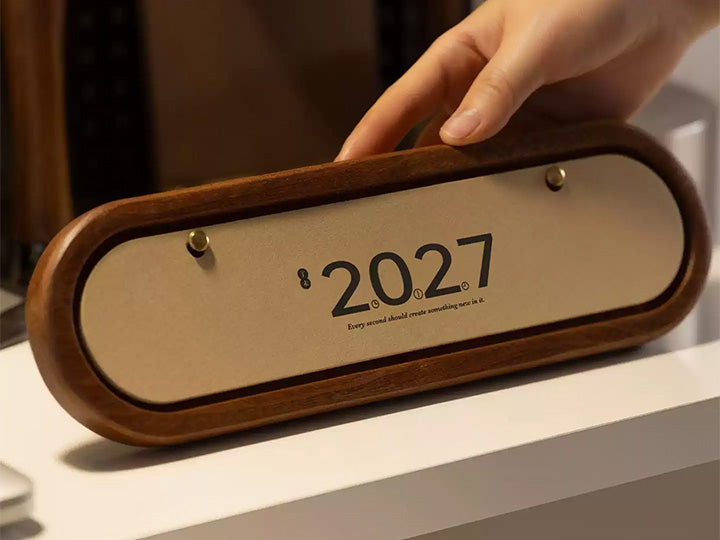
The personality shows in the details. A leather tray catches the phone and wallet, while the mouse pad covers most of the black desktop. Up front sits a blue hardcover calendar from 2026 with its ribbon marker hanging out. Next to it, a small e-ink display cycles through finance headlines and the time. A 7-Eleven lightbox glows white, orange, and green on the riser — kind of impossible to ignore. The Sony X6M headphones hang on a stand between the monitor and the glass PC tower.
Coffee's Always Ready

Coffee isn't a break here — it's just part of the routine. A side cabinet next to the desk holds the whole kit: white gooseneck kettle, cone dripper over a glass carafe, hand grinder with a wooden handle, and a white countertop machine. A small plant sits behind it, and the desk speaker's rainbow glow shows up in the corner. Everything's close enough that you don't have to leave the chair.
What's Actually Here
One chair, one screen, everything else within reach — that's the idea. After-work gaming, coffee on standby, barely a reason to stand up. Here's the full list:
| Item | Pick |
|---|---|
| Desk | Andaseat Cruise Max |
| Chair | Andaseat Kirin Pro |
| Monitor light | LYMAX |
| Monitor | Samsung Odyssey G95C |
| Monitor riser | beesir |
| Headphones | Sony X6M |
| 7-Eleven ambient light | No Necessary No Cooperate |
| Keyboard | ROG Azoth |
| Desk calendar | Cheers Publishing |
| Desktop e-ink note | sspai |
| Desktop tray | Galaxias |
| Desktop speaker | Govee |


10 comments
Check the pinned comment at the top.
OP, could you point me to the screen model?
Seems like it works with everything — I’ve been having a great time with Horizon lately.
Does this monitor stretch the image for every game?
I’ve been hooked on Horizon non-stop for the past two days.
Playing AAA games on this monitor must feel amazing.
My mistake — as a spreadsheet person, this monitor looks like a perfect fit.
If I switched to this screen, could I edit three videos a day?
You’re the solo-queue king!
Pinned by the author, 爱喝咖啡的sea.